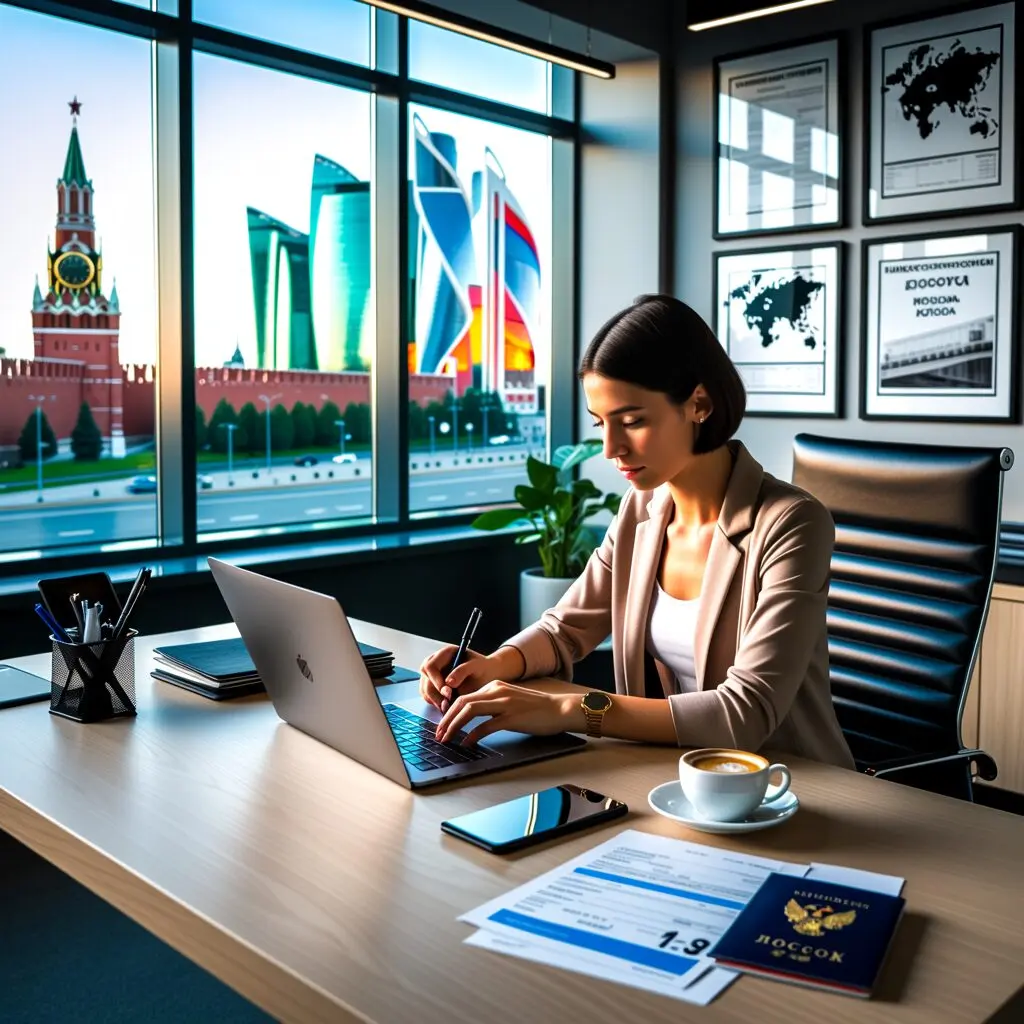
The Russia eVisa application is a fully online process completed through the official portal at evisa.kdmid.ru. Citizens of 64 eligible countries can submit their application in 15-20 minutes without visiting an embassy. The application requires personal information, passport details, and a digital photograph – no invitation letter or hotel booking is needed.
Where to Apply for the Russia eVisa
The official Russia eVisa application portal is hosted by the Russian Ministry of Foreign Affairs at evisa.kdmid.ru. This is the only legitimate website for submitting eVisa applications. The portal is available 24 hours a day, 7 days a week, and supports multiple languages including English. Be cautious of unofficial websites that mimic the official portal and charge unnecessary service fees ranging from $30 to $150. The official Russia eVisa application is completely free – never pay for a service you can do yourself in minutes.
Step 1: Create Your Application Account
Begin by visiting evisa.kdmid.ru and selecting your nationality from the dropdown menu. If your country is not listed, you are not eligible for the Russia eVisa and must apply for a traditional visa. You will need to provide a valid email address where all communications and your eVisa notification will be sent. The system recommends avoiding Gmail due to potential delivery delays – use an alternative email provider such as Outlook, Yahoo, or a corporate email. Create a secure password and note your application ID for future reference.
Step 2: Fill In Personal Information
The application form requires your full name exactly as it appears on your passport, date of birth, gender, nationality, and passport number. You must also provide your passport issuance and expiry dates. Ensure all information matches your passport precisely – even minor discrepancies can lead to application denial. The form also asks for your current residential address and contact details. Double-check every field before proceeding to the next step, as corrections after submission require starting a completely new application.
Step 3: Provide Travel Details
Enter your intended dates of entry into and exit from Russia, your first point of entry (the border crossing point you plan to use), and the purpose of your visit. Accepted purposes include tourism, business meetings, private visits, cultural events, scientific conferences, and sporting events. You do not need to provide a detailed itinerary or hotel booking confirmation – a general indication of your travel plans is sufficient. Select the appropriate entry point from the list of designated border crossings, which includes major airports like Moscow Sheremetyevo and St. Petersburg Pulkovo.
Step 4: Upload Your Photograph
Upload a recent digital photograph in JPEG format. The photo must meet specific requirements: it should be a front-facing portrait with a plain white or light-colored background, taken within the last 6 months. The file size must not exceed 200KB. Wear normal everyday clothing – uniforms are not permitted unless worn for religious reasons. Glasses may be worn if they do not create glare or obscure your eyes. Your face should occupy approximately 70-80% of the frame. Poor quality photos are one of the most common reasons for application delays.
Step 5: Review and Submit
Carefully review all entered information before submission. Check that your full name, passport number, date of birth, travel dates, and email address are all correct. Pay special attention to the passport number and expiry date – these are the most common sources of errors. Once submitted, you cannot edit the application – you would need to start a new one if corrections are needed. After submission, you will receive a confirmation email with your application reference number. Save this number for tracking your application status.
Step 6: Receive Your eVisa
After submission, your application will be processed within 4 calendar days, though many applicants receive approval within 1-2 days. You will receive an email notification when your eVisa is approved. Log into the portal using your credentials to download and print your eVisa notification. The notification contains a QR code and all your visa details. Present this document (printed or on your device) along with your passport at the Russian border crossing point. Keep both a printed and digital copy for maximum convenience.
Common Application Mistakes to Avoid
The most frequent mistakes in Russia eVisa applications include: passport number errors (transposed digits), name spelling inconsistencies with the passport, photograph not meeting specifications (wrong background, file too large), using an email address that blocks automated messages, and selecting the wrong entry point. To avoid these issues, have your passport open next to you while filling in the form, and triple-check every field. If your application is denied due to errors, you can reapply immediately with corrected information at no cost.
Frequently Asked Questions
How do I apply for a Russian e-visa?
Visit the official portal at evisa.kdmid.ru, select your nationality, fill in the application form with personal and travel details, upload a photograph, and submit. The entire process is online and takes about 15-20 minutes. No embassy visit is required.
Can I apply for Russia eVisa on my phone?
Yes, the official eVisa portal at evisa.kdmid.ru is mobile-friendly and can be accessed from smartphones and tablets. However, using a desktop computer is recommended for easier document upload and form completion.
What if I make a mistake on my eVisa application?
Once submitted, you cannot edit an existing application. If you discover an error, you will need to submit a new application with the correct information. The Russia eVisa application is free, so reapplying costs nothing.
Do I need to visit an embassy to get a Russia eVisa?
No, the entire Russia eVisa application process is completed online at evisa.kdmid.ru. There is no need to visit an embassy, consulate, or visa center at any point. You will receive your eVisa notification via email.
Can someone else submit my eVisa application?
While the application must contain your personal information, someone else can fill in and submit the form on your behalf. However, the email address provided must be accessible to you, as you need to download your eVisa notification yourself.
What email should I use for my application?
The Russian MFA recommends avoiding Gmail due to delivery issues. Use Outlook, Yahoo, ProtonMail, or a corporate email address. Ensure the email is active and you can access it throughout the application process and your trip.
Related Guides
Related guides: Complete Russia eVisa Guide | Required Documents | Processing Time | Russia eVisa Fee
Last updated: July 2026. The evisarussia.info editorial team monitors the official evisa.kdmid.ru portal for any changes to the application process and updates this guide accordingly.